
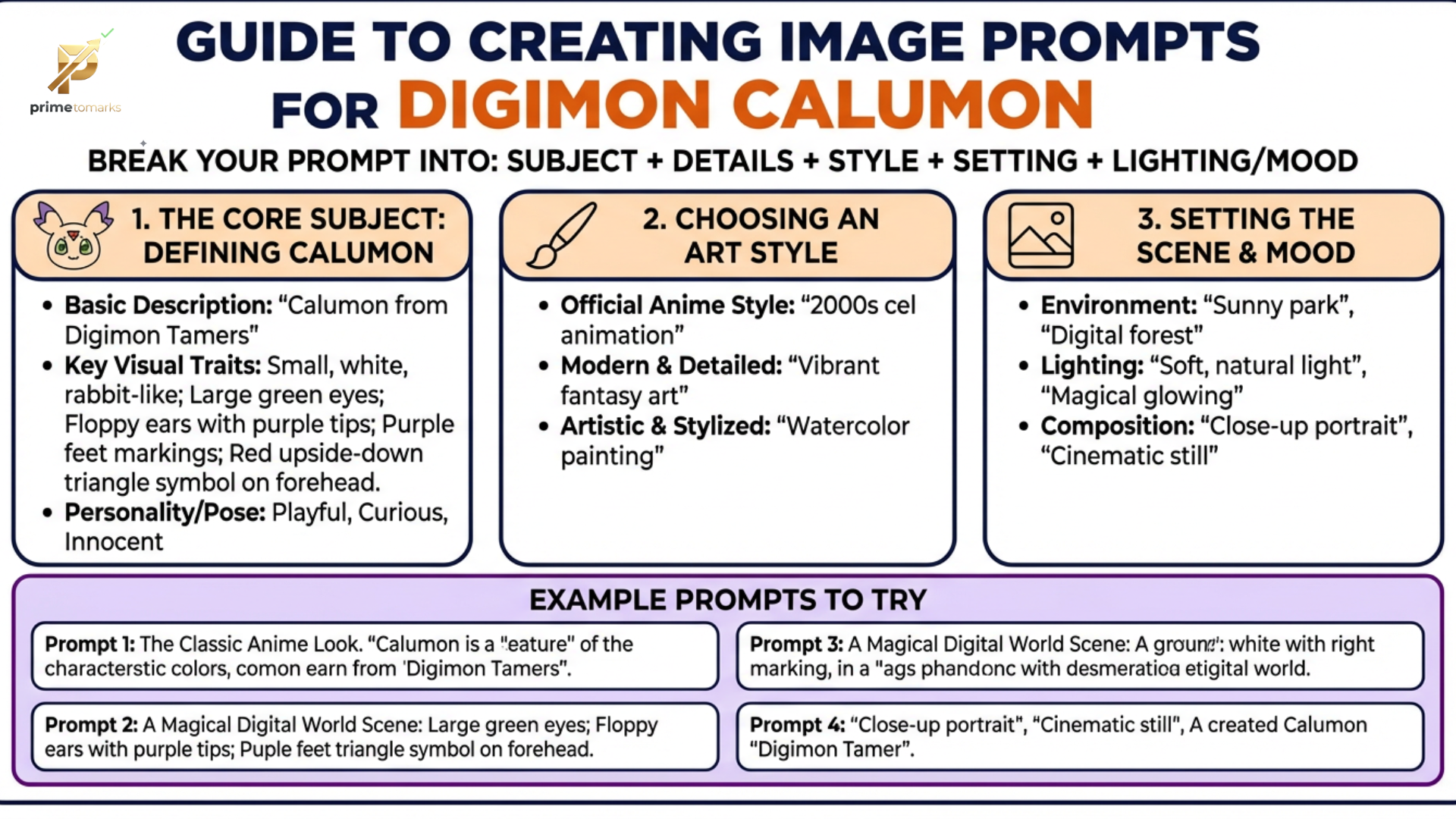
The emergence of Google’s ImageFX, powered by the Imagen 3 model, has revolutionized the way fans interact with their favorite digital monsters. Calumon (Culumon), the adorable and pivotal mascot from Digimon Tamers, is a popular subject for AI artists due to its unique design—a blend of feline grace and ethereal mystery. However, capturing Calumon’s specific aesthetic—the “Zero Unit” symbol on its forehead, its long translucent ears, and its expressive emerald eyes—requires a nuanced approach to prompting.
Understanding the Anatomy of a Calumon Prompt
To generate a high-quality Calumon image, you must break down the character into descriptive keywords that the AI can interpret. ImageFX responds best to a mix of subject descriptions, stylistic cues, and environmental context.
1. The Core Subject Description
When prompting for Calumon, do not rely solely on the name. While ImageFX has been trained on a massive dataset, “Calumon” can sometimes be confused with other small white creatures. Use descriptive reinforcement:
- Physical Traits: “Small white creature,” “long rabbit-like ears with purple tips,” “green eyes,” and “red triangular ‘Zero Unit’ symbol on the forehead.”
- The Ears: Calumon’s ears are its most defining feature. Describe them as “long, flowing, cape-like ears” to ensure the AI gives them the proper scale.
2. Style and Medium
The “how” is just as important as the “what.” Depending on your vision, you should specify the art style:
- Anime Accuracy: Use keywords like “90s anime style,” “cel-shaded,” “Toei Animation aesthetic,” and “hand-drawn 2D art.”
- 3D Render: Use “CGI,” “Octane render,” “4K Unreal Engine 5 style,” or “soft toy texture” for a plush-like appearance.
- Digital Illustration: “Vibrant digital art,” “clean line work,” or “soft lighting.”
Step-by-Step Prompting Strategies
Strategy A: The Classic Anime Look
If you want Calumon to look like he stepped right out of Digimon Tamers, use a prompt that emphasizes clean lines and flat colors.
Prompt Example:
“A high-quality 2D anime illustration of Calumon from Digimon. A small, cute white creature with very long purple-tipped ears that look like a cape. Large, expressive green eyes and a red triangular symbol on its forehead. The background is a soft blue digital sky with floating data bits. Cel-shaded, vibrant colors, Toei Animation style.”
Strategy B: The “Real-World” Companion
ImageFX excels at textures. If you want to see what Calumon would look like in real life, focus on fur and lighting.
Prompt Example:
“A realistic 3D render of a small mythical creature resembling Calumon. Soft white fur texture, large glowing green eyes with depth, and long flowing ears. The creature is sitting on a park bench in the real world. Cinematic lighting, shallow depth of field, 8k resolution, highly detailed fur, whimsical atmosphere.”
Strategy C: The “Shining Evolution” (Action Pose)
In the series, Calumon is the catalyst for evolution. Capturing this energy requires movement-based keywords.
Prompt Example:
“Calumon floating in a void of digital light. The red Zero Unit symbol on its forehead is glowing intensely with golden light. Its long ears are waving gracefully in the air. Magical sparkles and geometric data patterns surround the creature. Ethereal, majestic, holy atmosphere, high fantasy digital art.”
Advanced Techniques in ImageFX
Utilizing “Expressive Chips”
One of the unique features of ImageFX is its “Expressive Chips”—the dropdown suggestions that appear after you type a prompt. When prompting for Calumon, look for chips that suggest:
- Dreamscape: This adds a soft, glowing quality perfect for Calumon’s mysterious nature.
- Sketch: Great for seeing the “behind-the-scenes” design of the character.
- Minimalist: Focuses purely on the character’s silhouette and iconic forehead symbol.
Managing Negative Space and Composition
To ensure Calumon is the focus, use compositional prompts:
- “Centered composition”: Keeps Calumon in the middle.
- “Macro photography”: Focuses on the face and the Zero Unit symbol.
- “Wide shot”: Shows Calumon in the vast Digital World.
Troubleshooting Common Issues
Issue: The ears are too short.
- Fix: Use the phrase “extraordinarily long ears that trail behind the body” or “oversized floppy ears.”
Issue: The forehead symbol is missing.
- Fix: Explicitly state “a red triangle mark on the center of the forehead” and increase the weight of that description by placing it earlier in the prompt.
Issue: The AI generates a generic cat.
- Fix: Add “Digimon series style” and “Digital Monster aesthetic” to anchor the AI to the specific franchise.
Comparison of Prompt Variations
Conclusion
Generating the perfect Calumon in ImageFX is an exercise in balancing the character’s simplicity with its iconic details. By focusing on the “Zero Unit” symbol, the cape-like ears, and the specific “Tamers” art style, you can produce stunning images that honor the legacy of this beloved Digimon. Experiment with different lighting and environments—from the gritty streets of Shinjuku to the kaleidoscopic plains of the Digital World—to see the full range of what Google’s ImageFX can create.
